

Three paths to deliver ECU files
WinOLS scripts, .OLS projects or manual requests: one client space, one solutions library and unified shop tracking.
WinOLS scripts
567Automatic matching against your .winolsskript library.
.OLS projects
703Upload a WinOLS project and generate reusable solutions.
Manual requests
Human fallback with messaging — same client experience.
Master & Slave
Organize your offers, credits and file workflows around your distribution model.
ECU reading
Centralize OBD, Bench and Boot requests with the technical context your team needs.
Reseller databases
Structure your tuning file catalogue, WinOLS projects and reseller offers.
How it works
- 01
The client uploads a file
From the client area or storefront, with vehicle and service.
- 02
The platform matches or routes
WinOLS script, .OLS solution, or manual queue as needed.
- 03
Delivery & tracking
Ready file, notifications and history in the same request.
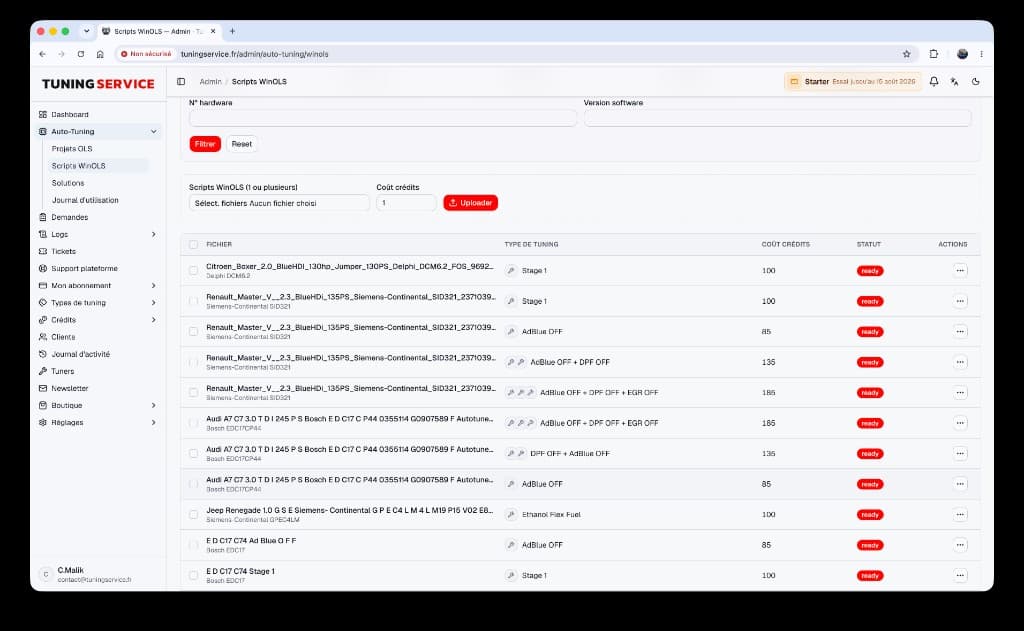
WinOLS scripts
Upload .winolsskript files, set credit cost and enable matching.
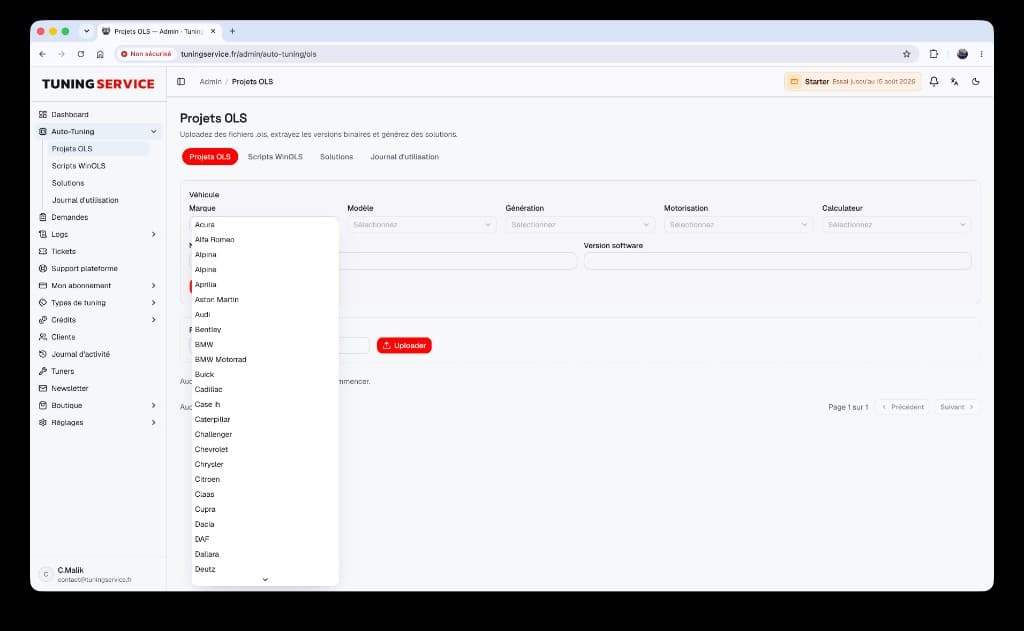
.OLS projects
Upload a WinOLS project, extract binaries and generate solutions.
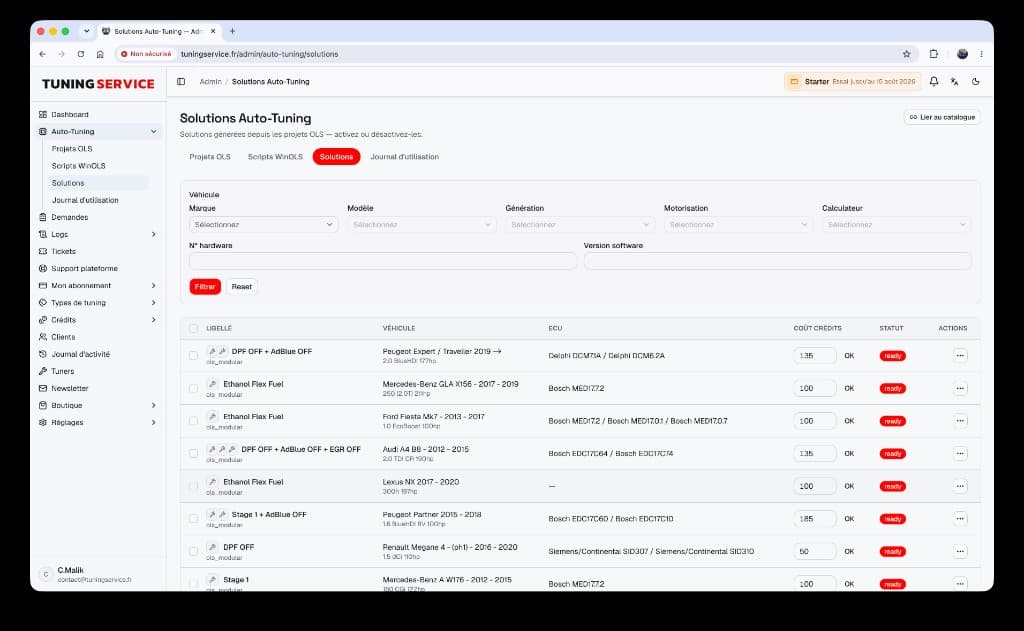
Auto-Tuning solutions
Solutions generated from your OLS projects, ready for automatic delivery.
Why it helps
Less repetitive work
Validated solutions replay without starting from scratch.
White-label
Clients see your shop, not the underlying platform.
Traceability
Every delivery stays linked to the request, credits and messages.
FAQ
- Do I have to pick only one Auto-Tuning mode?
- No. You can combine WinOLS scripts, .OLS projects and manual requests depending on vehicles and automation level.
- Does the client see the difference between modes?
- They upload in the same space. Automation vs manual handling happens on the shop side.
- Does Auto-Tuning replace classic requests?
- It speeds them up when a solution exists, and falls back to manual otherwise — without breaking the client journey.
- How do I start a useful Auto-Tuning library?
- Start with the ECUs and services you handle most often. Import a small set of verified WinOLS scripts or .OLS projects, document the ECU data precisely, then publish ready solutions gradually. This reduces false matches and lets you validate the client journey before expanding the catalogue.
- How do credits, files and notifications stay connected?
- Every result remains attached to the original request. The client finds the file, status and messaging in one place, while your team keeps the matching and delivery history. Credits consumed follow the same request, making review and support easier.
- Which details should accompany a client file?
- Request at least the vehicle, engine, ECU, software version when known and the desired service. These details do not replace file validation, but they improve filtering and help your team process requests that move to manual handling quickly.
Ready to launch your white-label tuning platform?
Create your space, customize your brand and invite your first clients in a few minutes.