

Run a secure multi-role workshop
From white-label branding to tuner permissions, request assignment, tickets, vacation mode and audit: keep every operational workflow under control.
How it works
- 01
Set up the team
Create admins and tuners, enable 2FA, and define granular permissions per module (logs, tickets, requests…).
- 02
Receive and assign
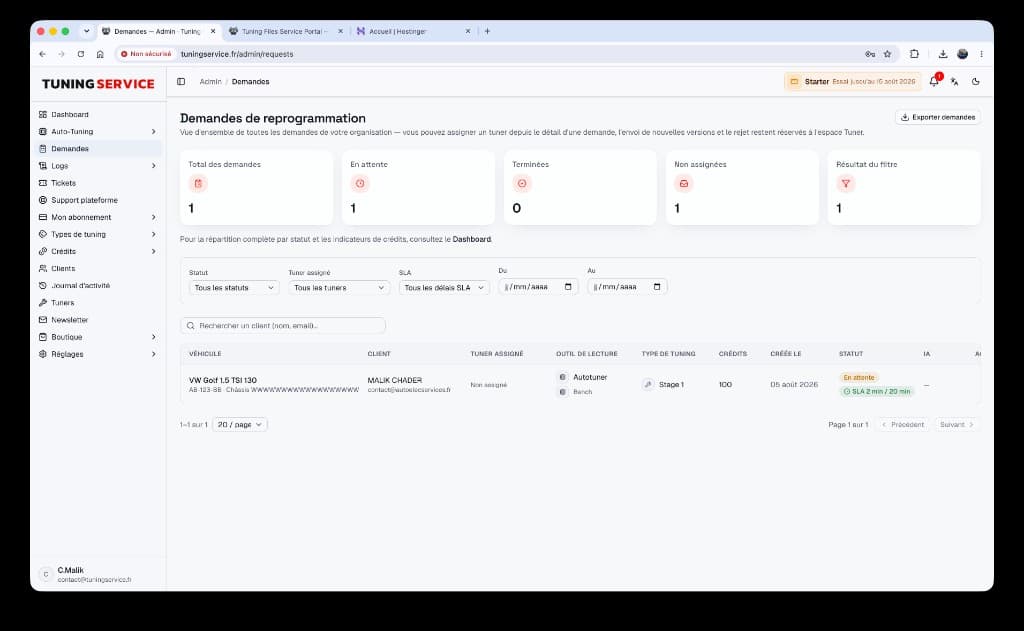
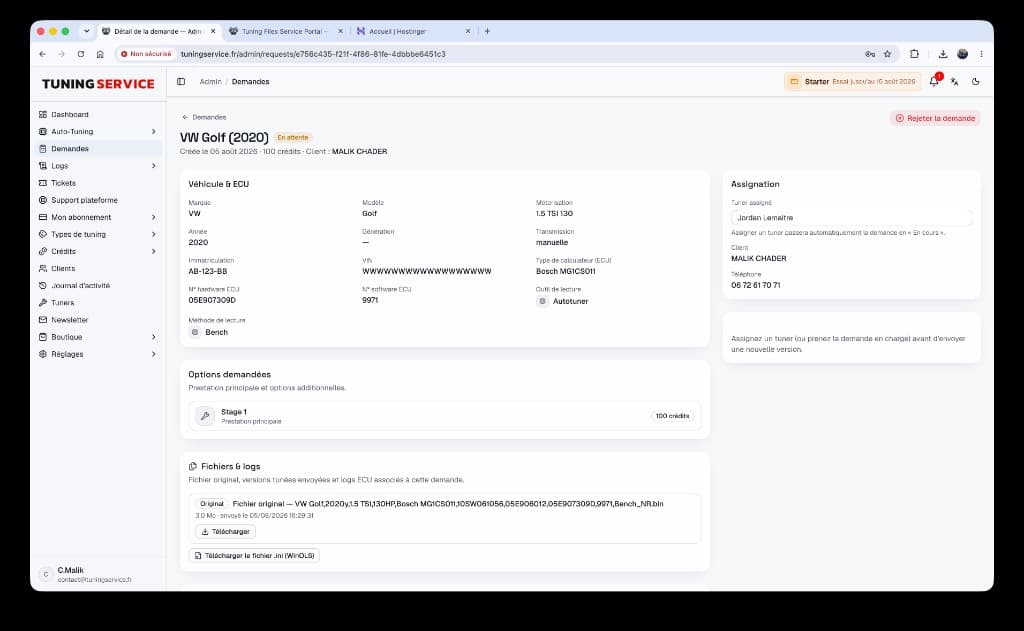
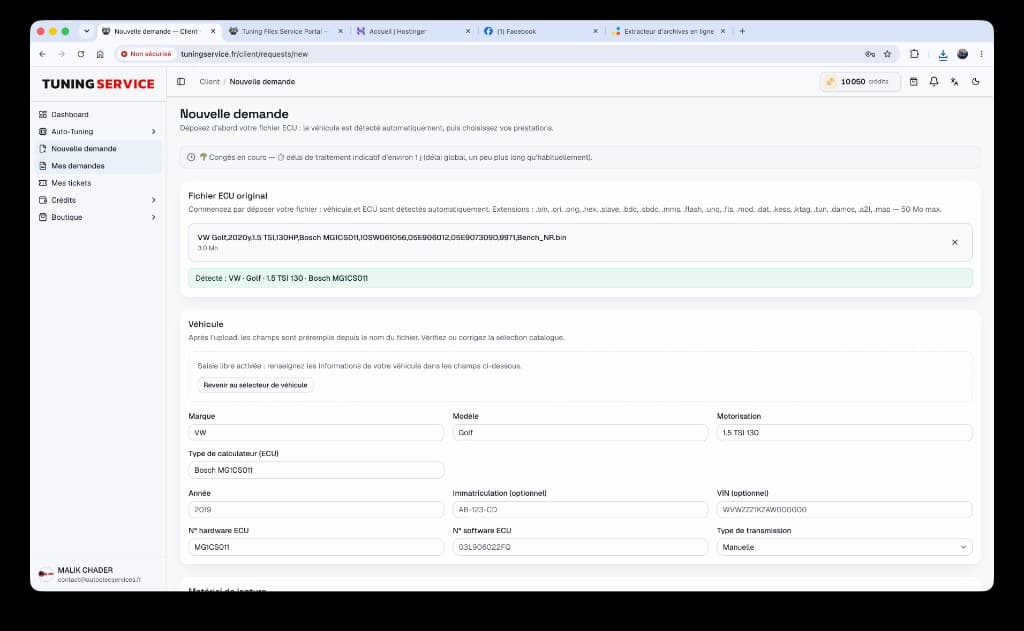
Each request centralizes files, SHA-256 versions and messaging, and can be assigned to the right tuner.
- 03
Track and secure
Dashboards, real-time notifications, support tickets, vacation mode and the audit log keep activity under control.
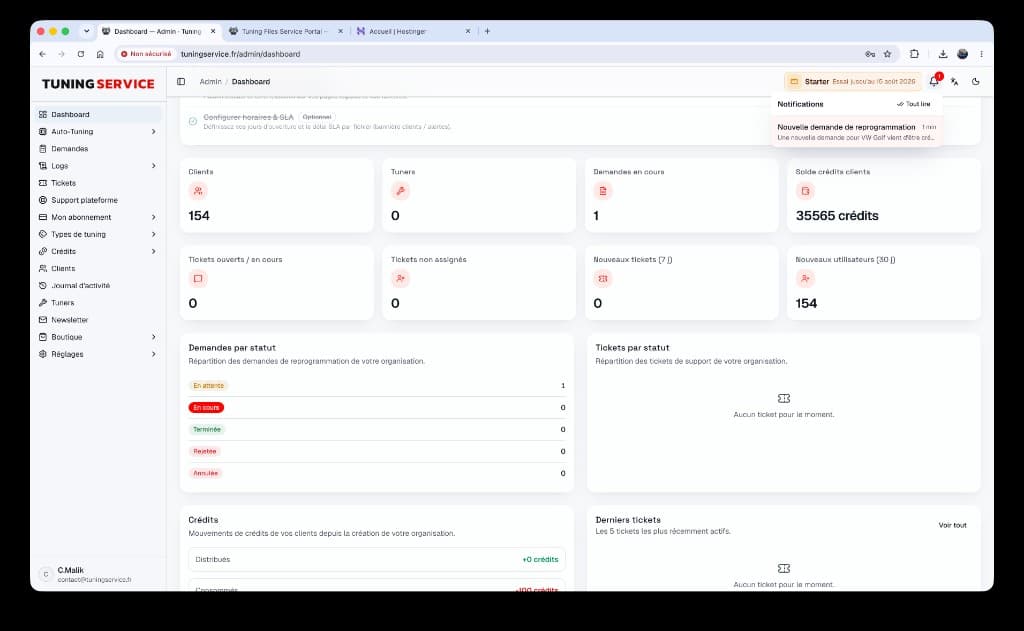
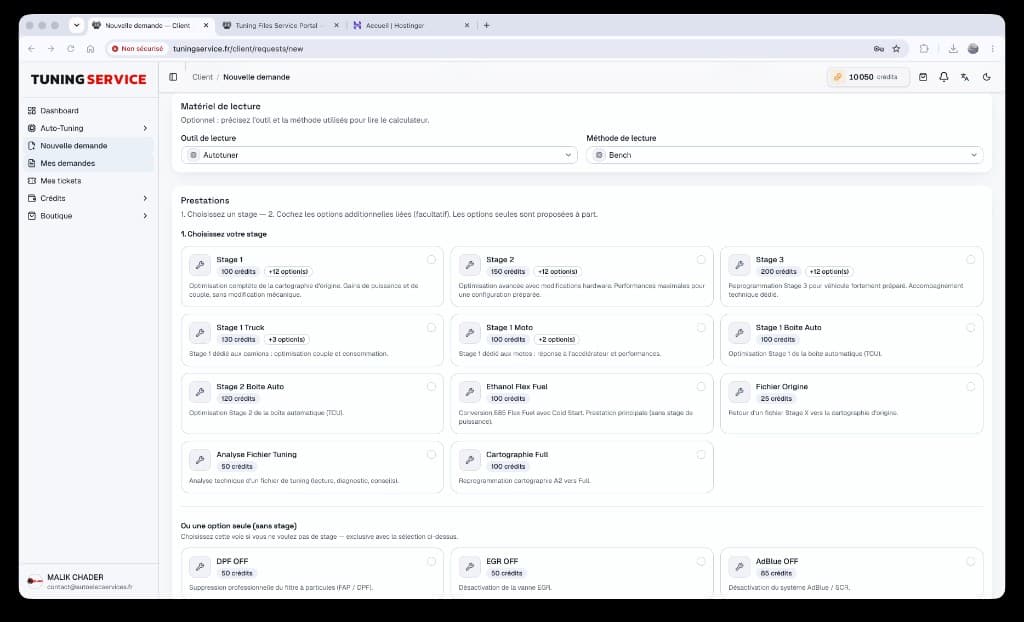
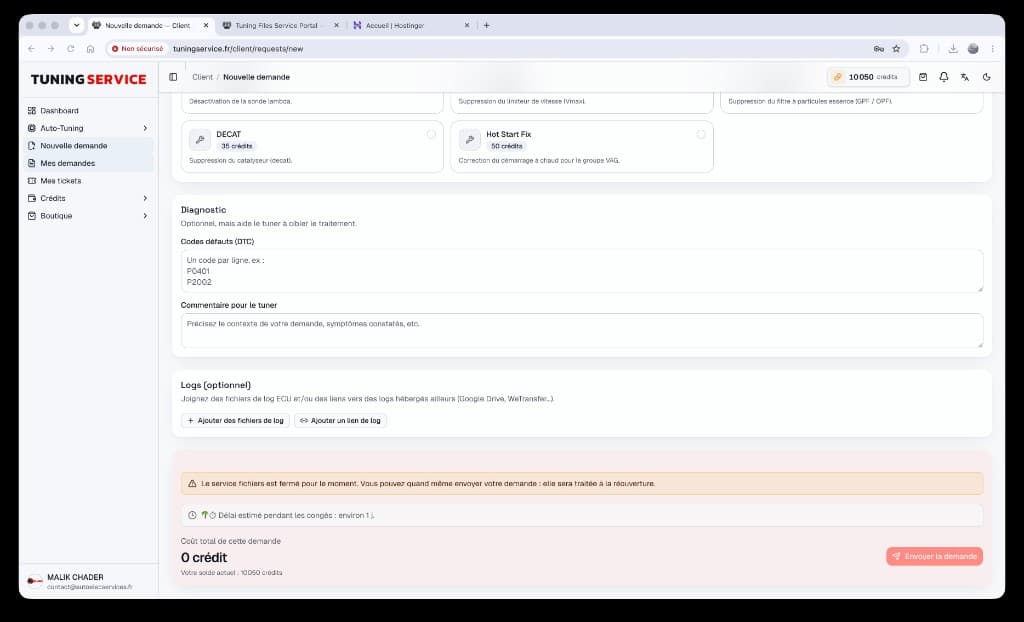
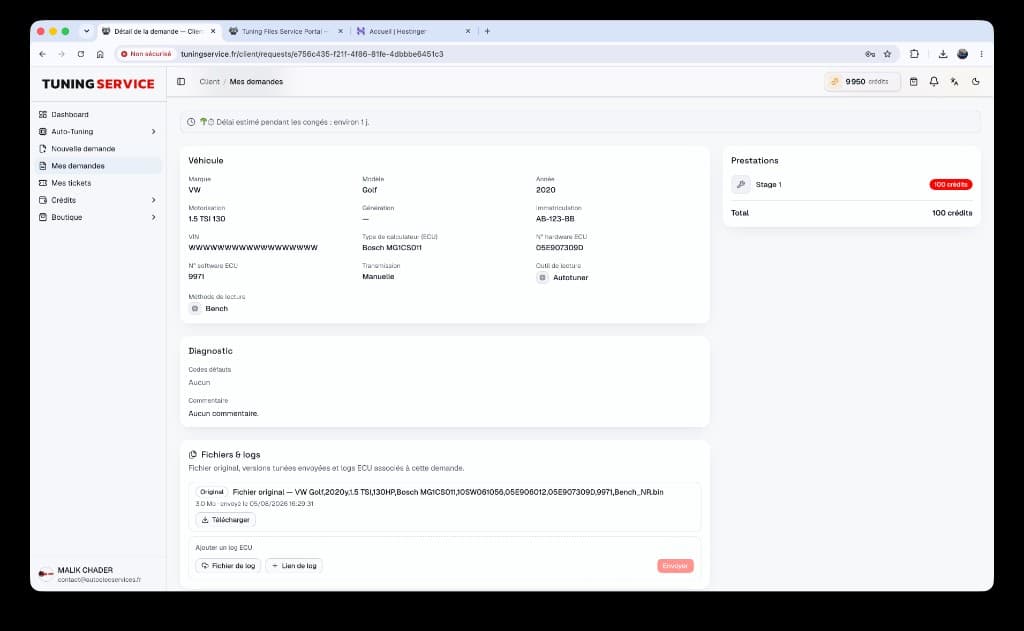
Dashboard & live notifications
Client KPIs, credits, tickets — plus an instant alert when a new request lands.
Dashboard & live notifications
Client KPIs, credits, tickets — plus an instant alert when a new request lands.
Why it helps
Fine-grained tuner permissions
Open only the modules each teammate needs, without sharing a full admin account.
Full traceability
File versions, request history, tickets and an exportable audit log reconstruct every action.
Service continuity
Dated vacation mode, extended SLA and a customizable banner keep clients informed without losing control.
FAQ
- Can I limit a tuner to specific modules?
- Yes. Staff permissions let you allow or deny areas such as logs, tickets or other modules, on top of the base Tuner role.
- How does request assignment work?
- From a request detail page, an administrator can assign a tuner. Files, messages and history stay in the same workspace.
- What is vacation mode?
- You define an absence period, a client-facing message and an extended SLA. The workshop remains available according to your rules, with clear communication.
- Is 2FA mandatory?
- You can require it at organization level. Affected accounts must then complete a second step at sign-in.
Ready to launch your white-label tuning platform?
Create your space, customize your brand and invite your first clients in a few minutes.